
-
 SOFTWARE
Custom software development
in mining industries -
 SOFTWARE
Custom software development
in mining industries -
 SOFTWARE
Custom software development
in education -
 SOFTWARE
Custom software development
in education -
 SOFTWARE
Custom software development
anywhere you need it -
 SOFTWARE
Commercial
SCADA Development
Historian
SQL Server -
 HARDWARE
Communication
•Wireless LAN
•VHF and UHF Radio systems -
 HARDWARE
Telemetry
Wireless telemetry using ELPRO equipment. From IO through to Scada on your system -
 INSTRUMENTATION
•GPS
•Echo Sounders
•Instruments
CLASSIC
Purpose of CLASSIC
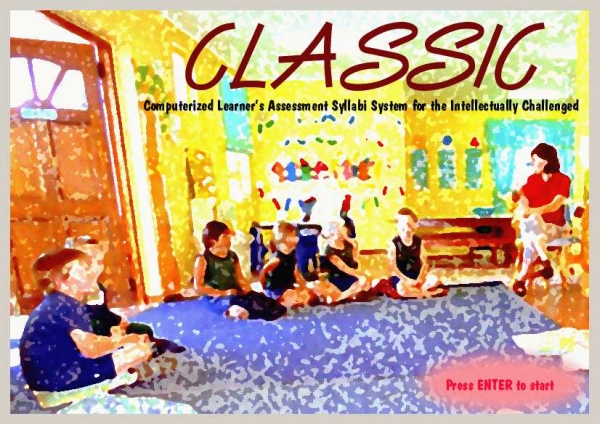
CLASSIC is an abbreviation for “Computerized Learner’s Assessment Syllabi System for the Intellectually Challenged”. The classic computer program is intended as an aid to the assessment and monitoring of the intellectually challenged child in a systematic way. The program presents a syllabus for three age groups of intellectually challenged children and gives the teacher the ability to visually assess a child’s progress according to the syllabus. It also provides the facility to print a report of each child’s progress in the language of choice for the child.
What are the components of CLASSIC
CLASSIC consists of the program and an internal database that contains all the following information:
- A list of personnel members (Teachers) and their relative information
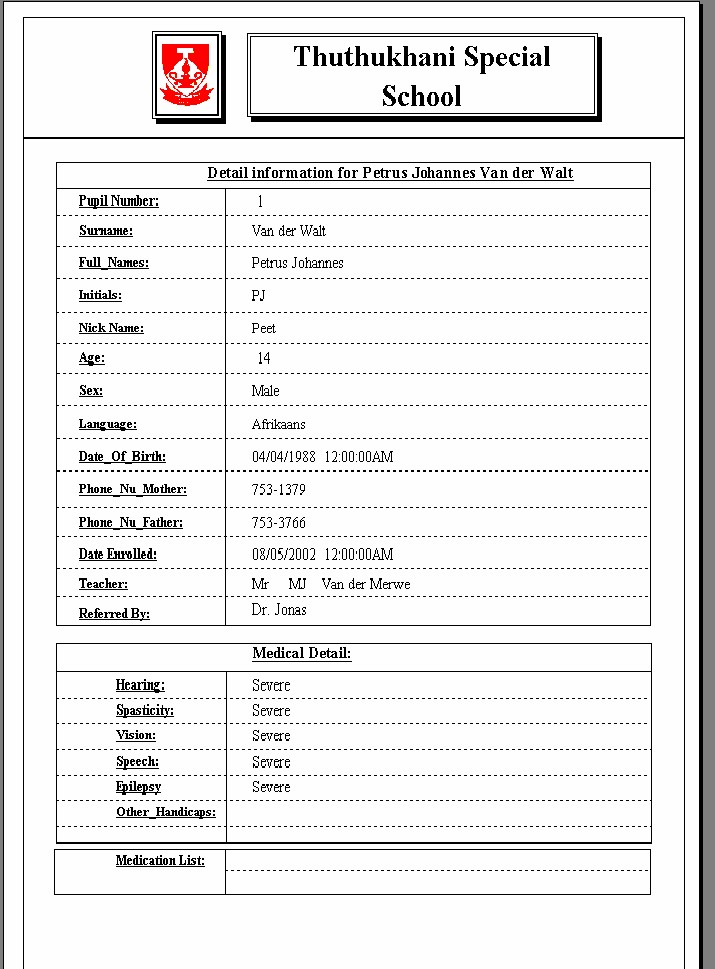
- A list of pupils from the school with each one’s personal information, including medical detail
- All assessments done on a child since his/her enrollment into the school
- Each progress activity which was marked for a pupil
Assessments
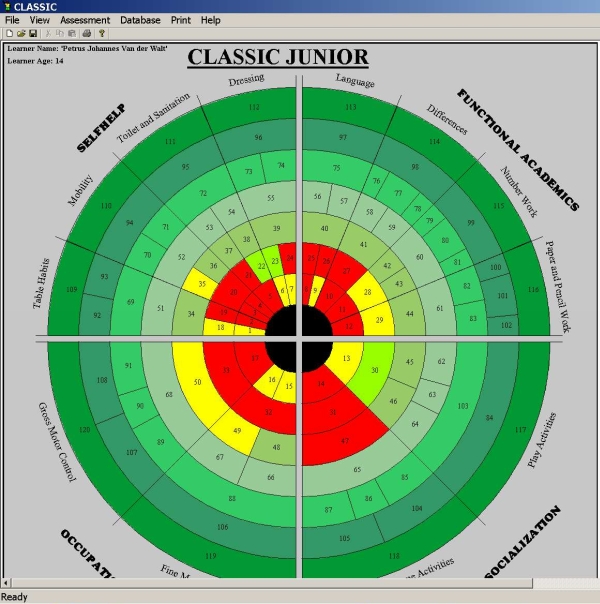
After a student has been selected, the Main Assessment Window will be opened up. This is the assessment circle and contains all the possible outcomes for a specific student group. To mark an activity or outcome, simply move the mouse pointer to the desired Outcome Index number and click. The area under the mouse pointer will change colour. The meanings of the colours are as follows: Red: An outcome has been achieved. Yellow: An outcome has almost been achieved. Other colours: An Outcome has not been achieved yet.
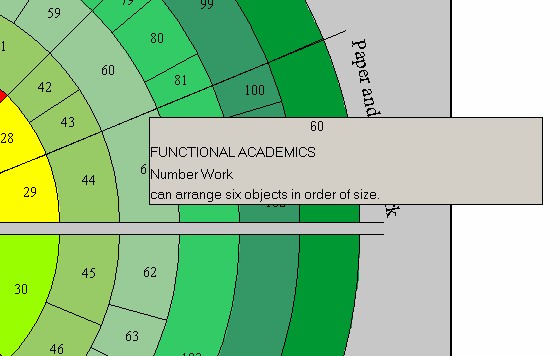
When you Right-Click on an area on the Assessment Circle, the description will appear as in the example below.
Reports
Pupil report card
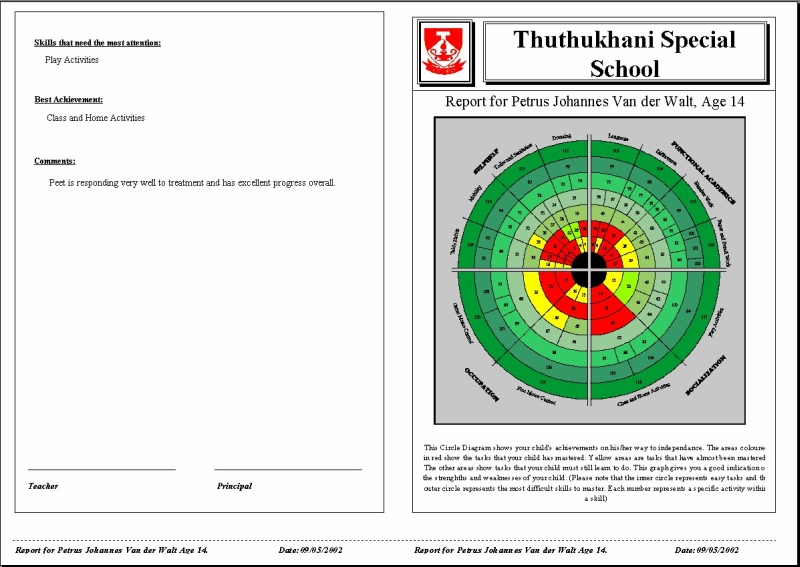
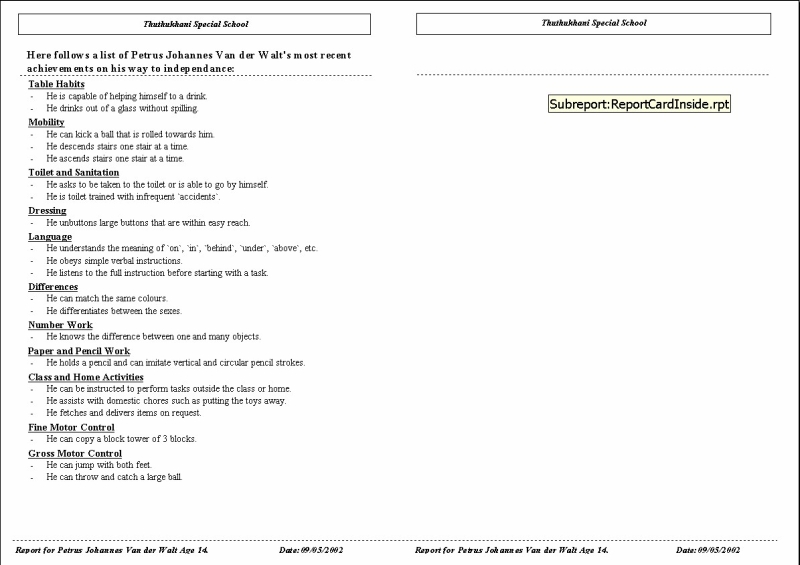
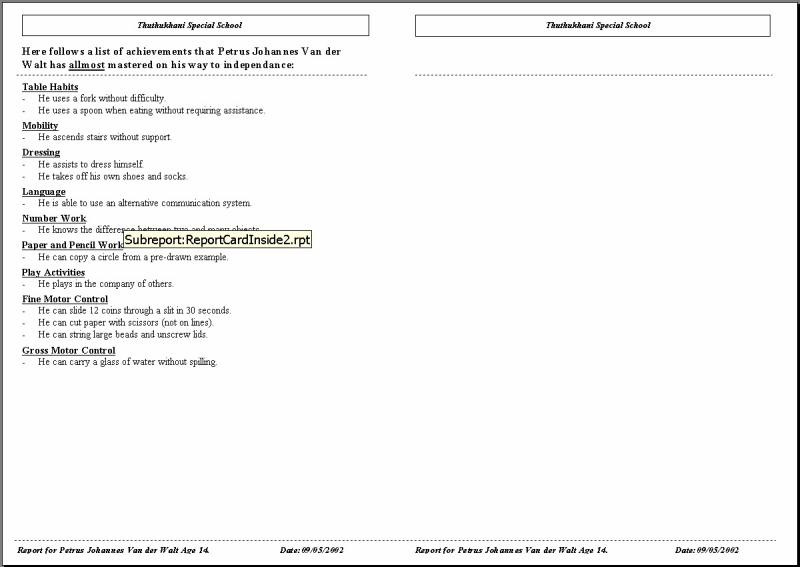
A predefined report card can be printed for a specific learner, that contains the learner’s detail and progress. The Progress Circle is printed on the front page, together with the school’s logo and pupil’s name and age. On the following pages, follows a brief description of the best four activities achieved and almost achieved respectively for a specific learner in the language of choice that was entered for the learner at the Learner Information Dialog Box. The last page contains a summary of the best and worst achievement details as well as the comments as entered during the electronic assessment.
Single Pupil Information report
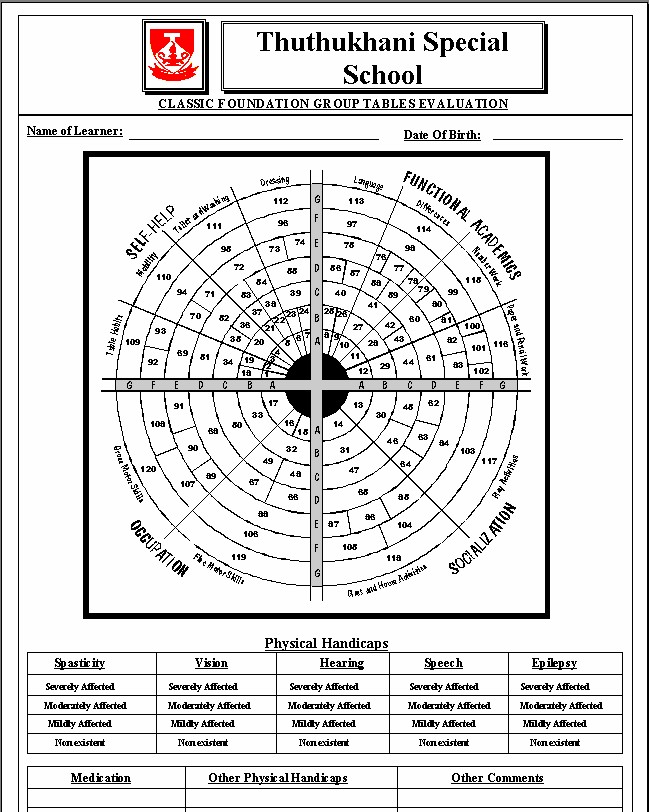
Printing Black And White Circle Information sheets
The report is printed as a Black and white assessment circle with a medical table that can all be filled in by the teacher.
Download the CLASSIC Presentation
CLASSIC PresentationContact Us
Circle Electronics
Telephone
- +27 (0)35 7533 766
FAX
- +27 (0)35 7534 489
Email
- General Information: info@circleelectronics.co.za